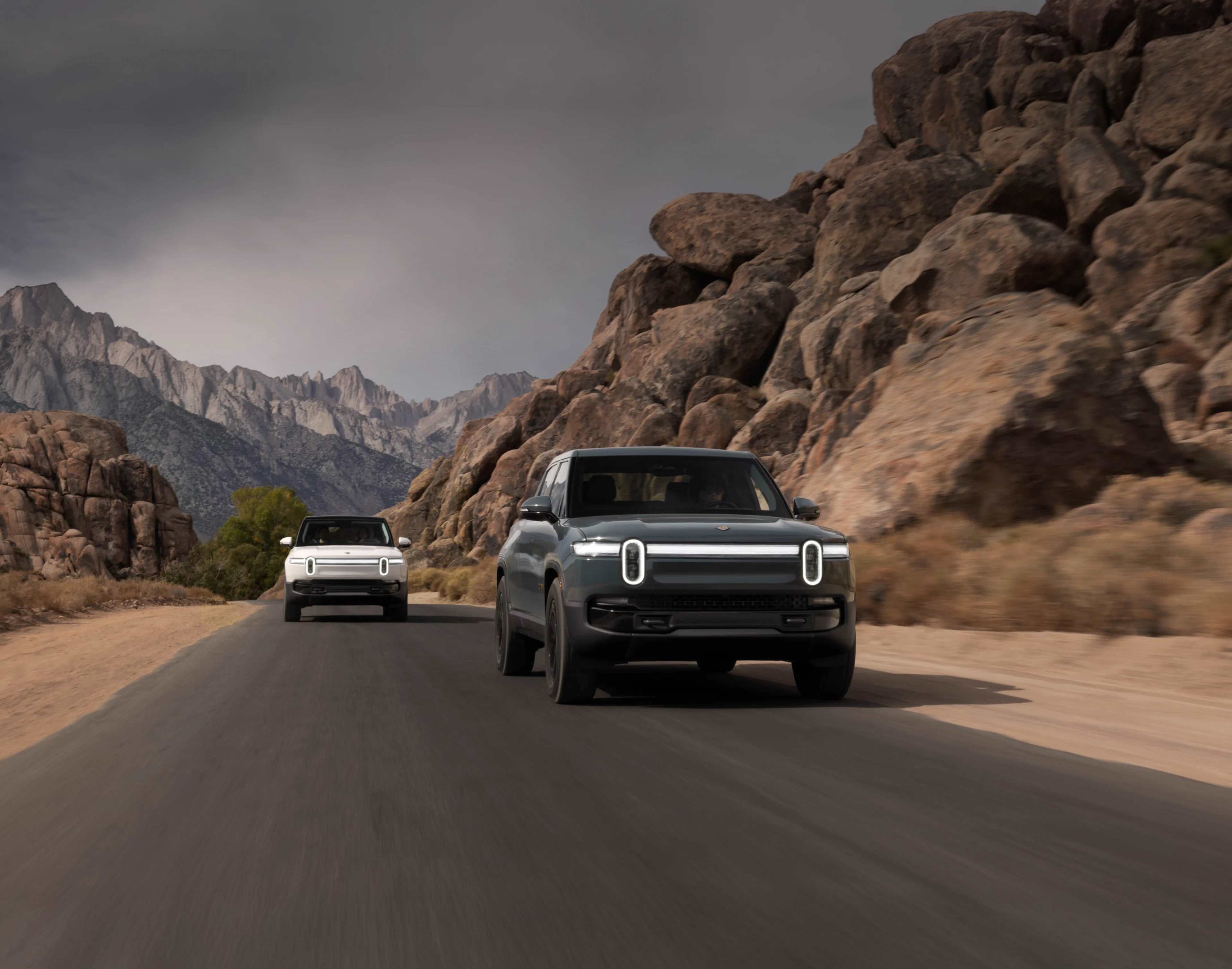
Technology designed for the road ahead
We design all our technology experiences — from hidden but powerful hardware to features you'll use every day.
We design all our technology experiences — from hidden but powerful hardware to features you'll use every day.
With intuitive software for electric vehicles developed in-house and updates released on a regular basis, Rivians are made to get better with time.
Meet the AI-powered voice assistant¹ that can handle daily tasks and get smarter over time so you can do more on the road.²
)

Our navigation system includes Google Maps traffic data and points of interest, with charging stops and range predictions along every route.
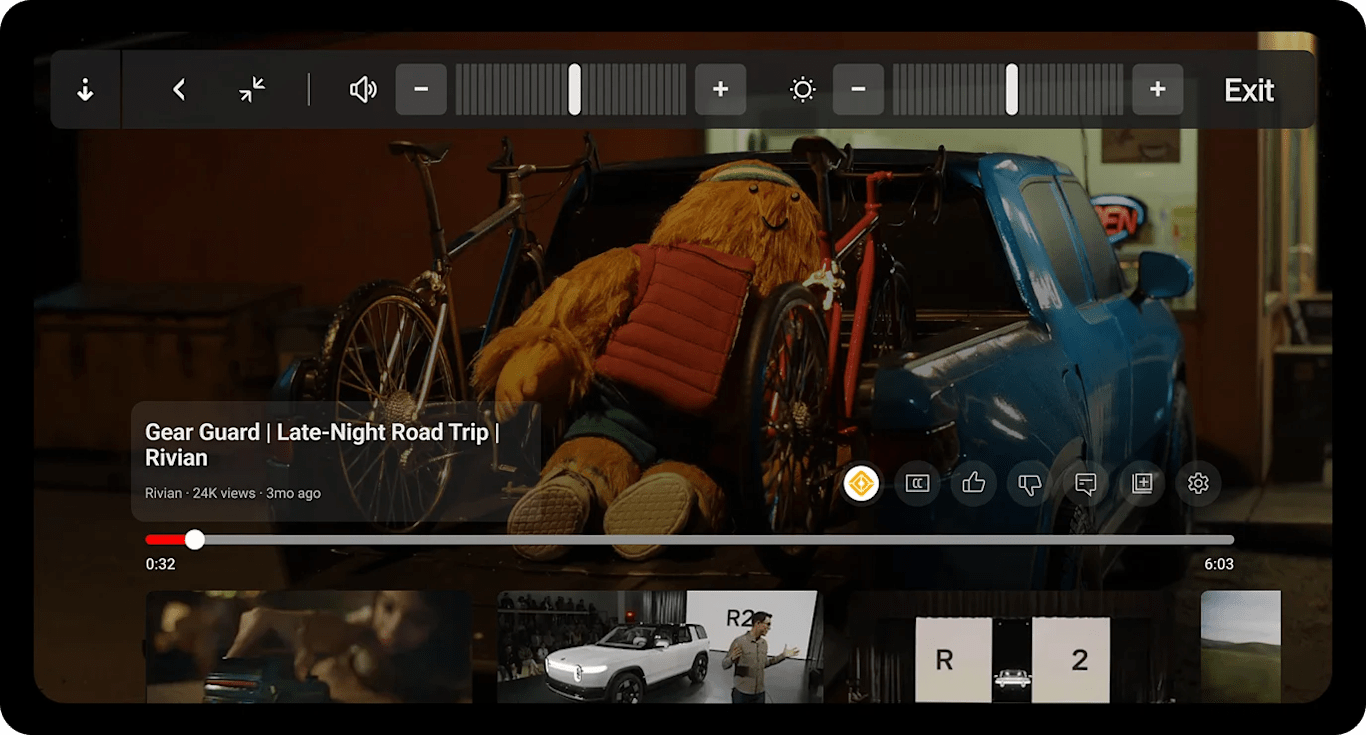
Easily play music, watch films or get on WiFi. A Connect+ subscription gives you in-vehicle access to a growing list of apps and features.

Meet the tech that protects everything in your Rivian. Gear Guard is a built-in security system that watches your stuff and can capture footage while you're away.

Go way, way off the beaten path with a vehicle that can calibrate to changing road and weather conditions at the tap of a button — with up to 9 drive modes.³


An interconnected system of radars, sensors and hi-res cameras powers our vehicles — helping you detect objects, get an aerial view of your surroundings and much more.
Explore safety featuresWith 360° perception and an on-board compute module capable of 200 trillion operations per second, Rivian Autonomy is one powerful platform. Enjoy Rivian Autonomy Platform+ at no extra cost through late 2025, with exclusive features that make every drive more effortless.
Explore autonomy featuresUltrasonic sensors, radars and cameras with panoramic visibility are like an always-aware, extra set of eyes with you wherever you go.
Our app is a window into the world of Rivian and forever along for the ride. Use your phone as a key, set a charging schedule, install in-vehicle software updates and so much more.
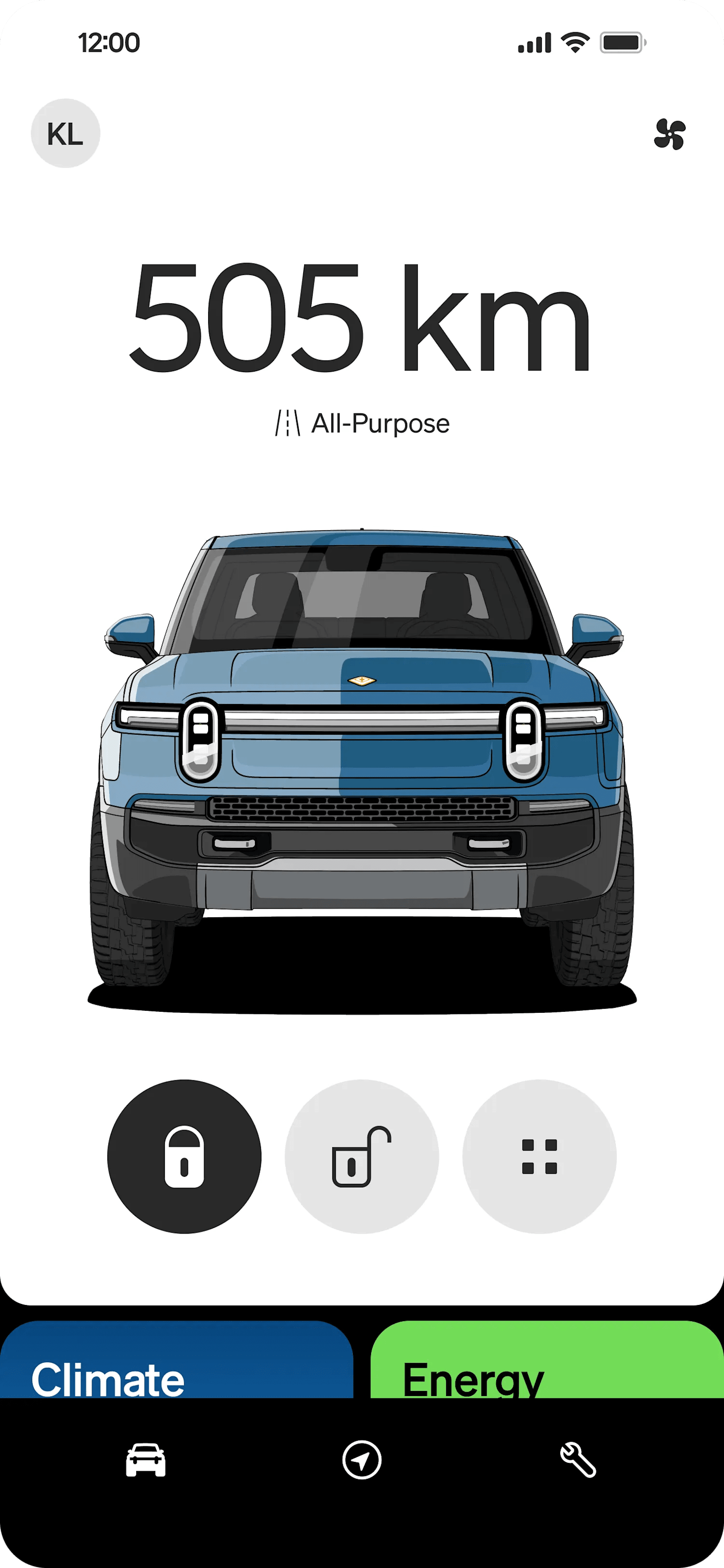
Lock and unlock your vehicle from near or far, on or off the grid. You can also set up key sharing or add keyless car entry to your phone.
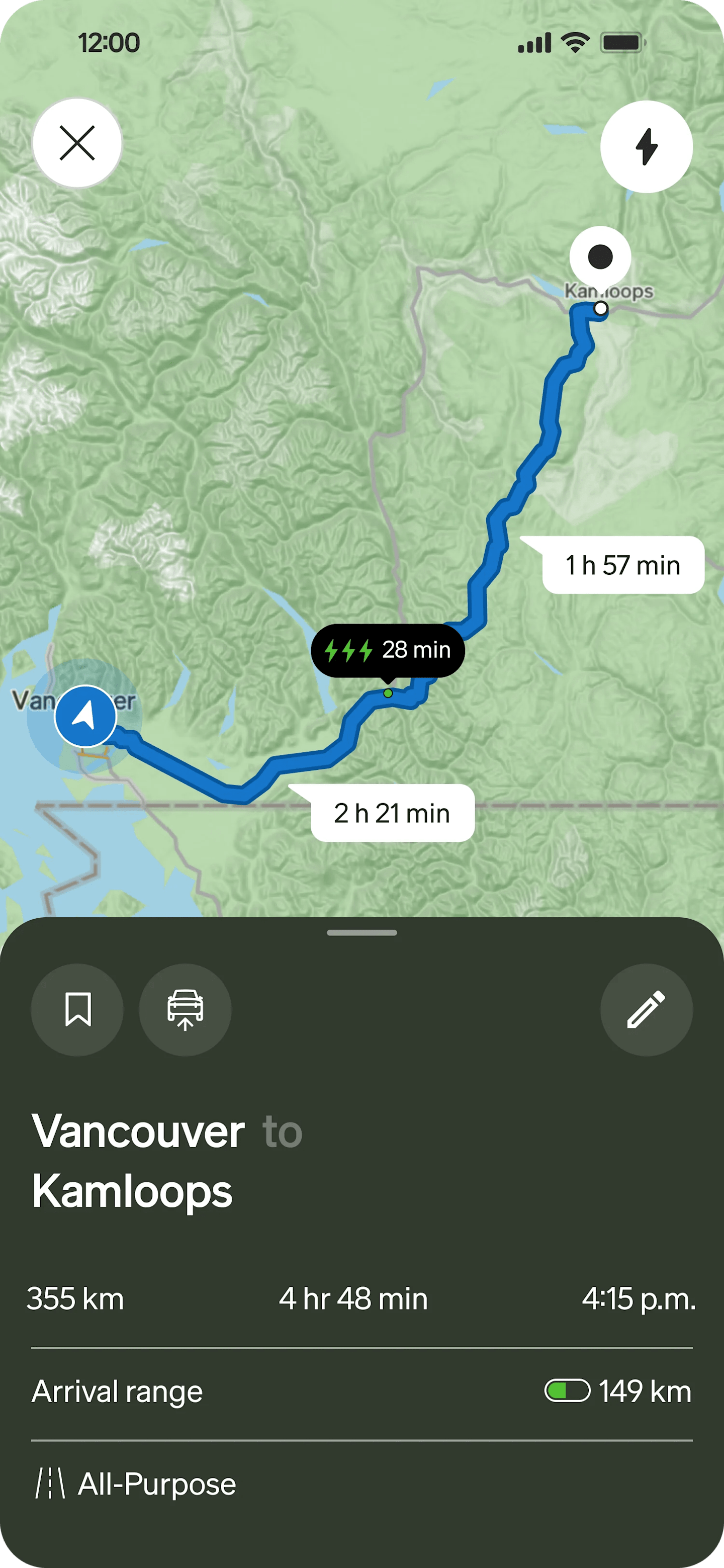
Get wherever you're going, pit stops and all. Easily map out your trip, send routes from your phone to vehicle or change course with the Rivian app.
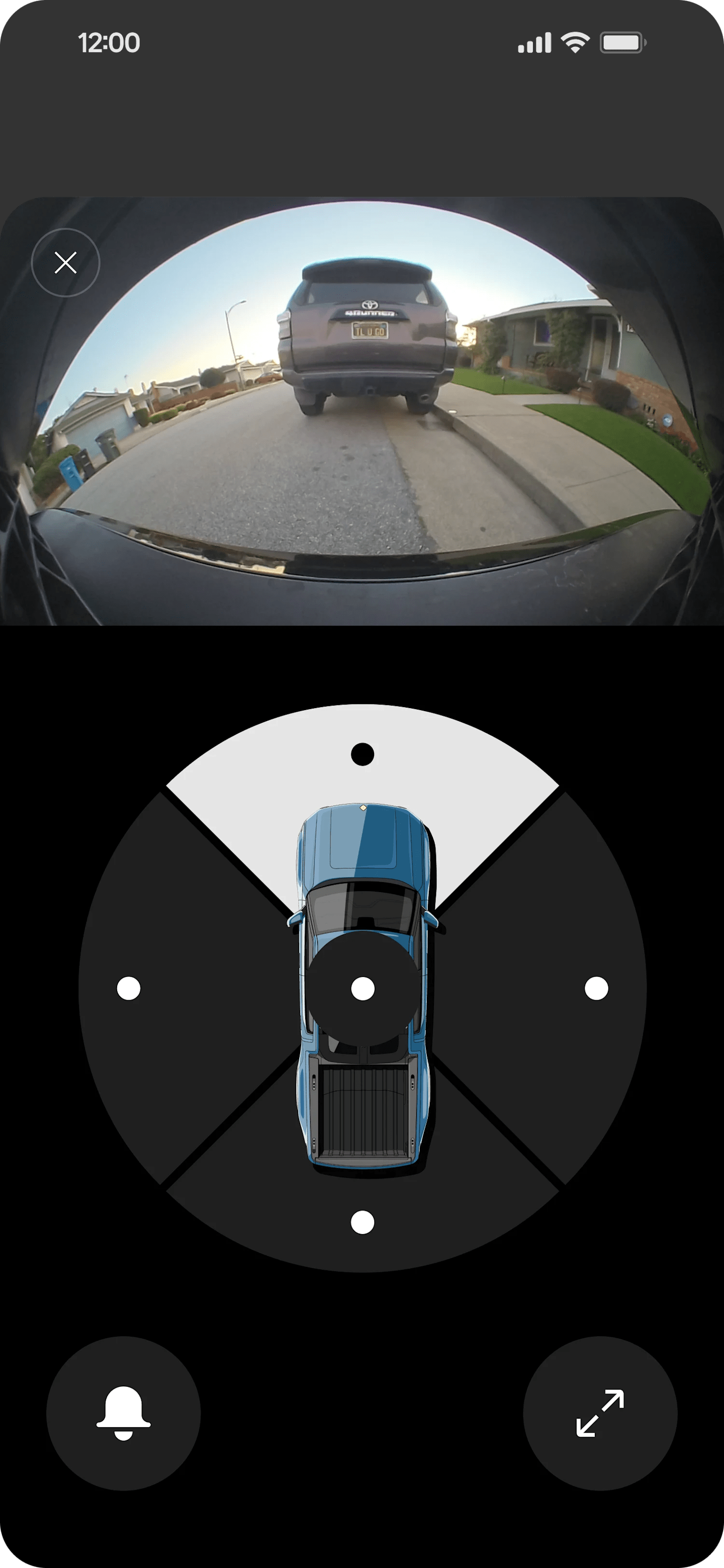
One system built for peace of mind. Get alerts if motion or a threat is detected, or check out real-time footage with Live Cam (requires Connect+ subscription).

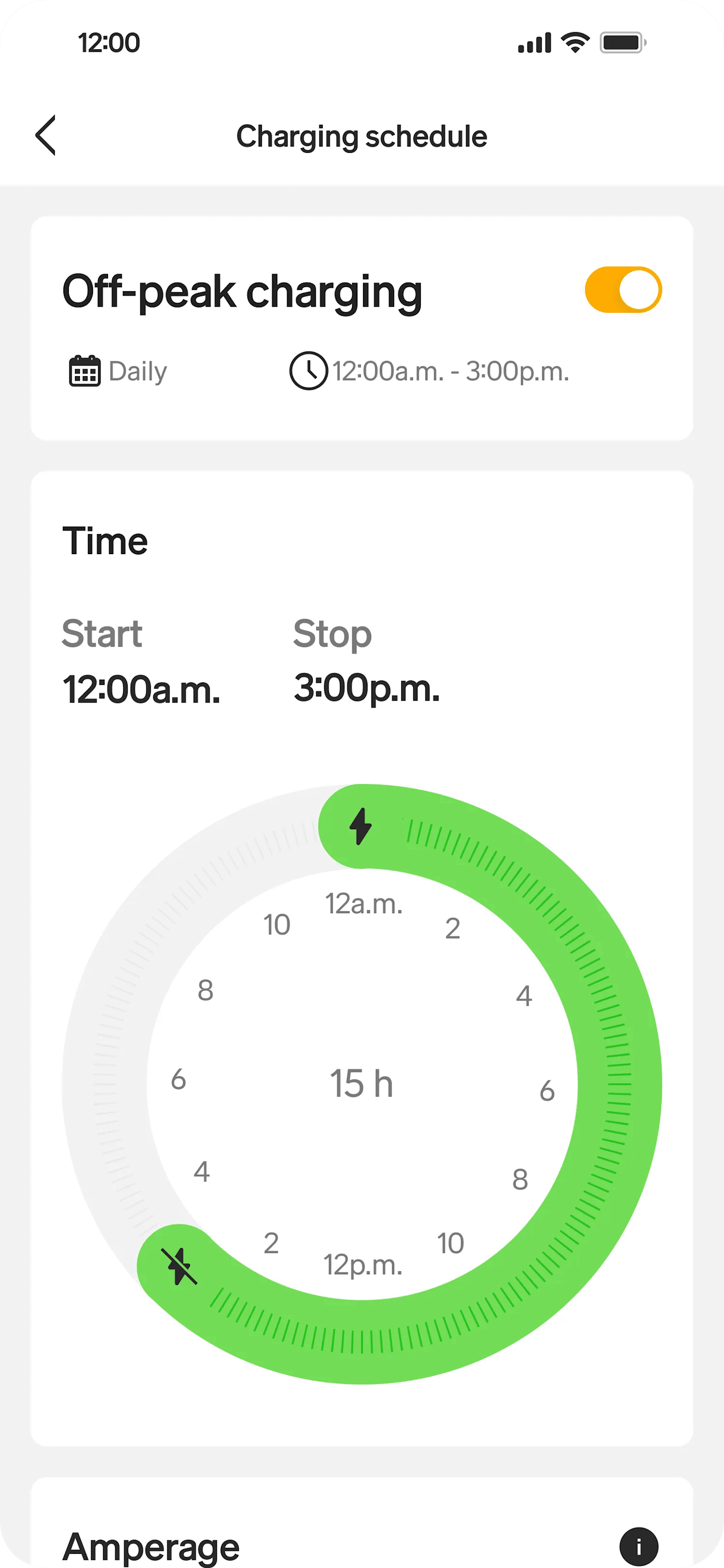
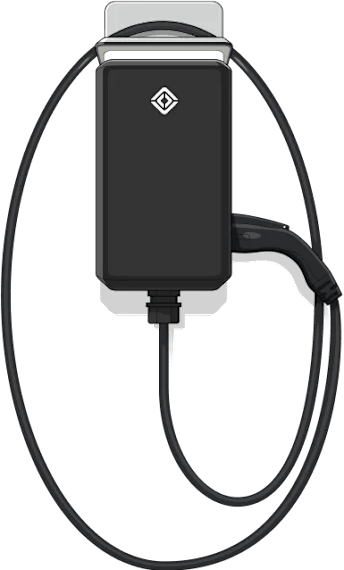
Check charging progress and battery range, or set up a schedule for your home Wall Charger during lower off-peak pricing.
Roll up the windows, switch on the AC or open the front trunk from anywhere. If you ever need it, you can sound an alarm too.
It feels good to get the temperature just right. Pre-cool the cabin, turn on seat heaters or keep the air flowing while you're away.
Need us? We've got you. Explore support articles, ask us questions, diagnose issues or schedule service. It's all in there.
Keep the features and commands you use the most right in front of you on your phone's home screen.
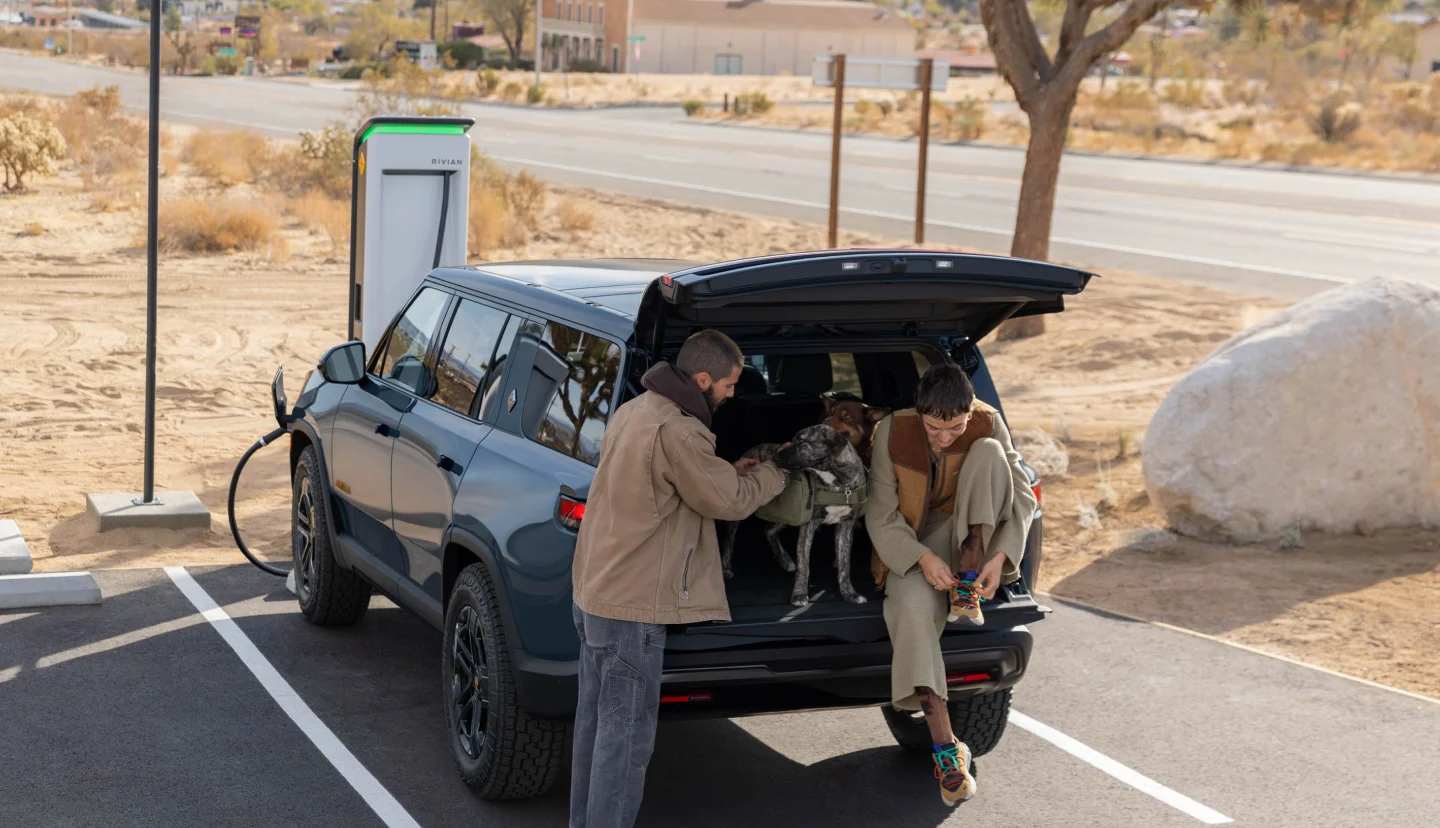
Add your destination and we'll tell you when, where and how to charge along the way.
Add your destination and we'll tell you when, where and how to charge along the way.
Connect+ brings media, connectivity and live security to your Rivian with features like:
In-vehicle hotspot
Satellite Images
Alexa Connected commands
Priority software updates
Data to access music streaming apps like Apple Music, Audible, Spotify, Tidal and TuneIn
Gear Guard Live Cam
Google Cast and YouTube
The 60-day trial of Connect+ for all existing Rivian owners will begin August 13, 2024. For anyone who takes delivery after that date, your trial will begin on the date of your delivery.
Connect+ will cost $14.99 per month ($19.99 CAD) or $149.99 per year ($199.99 CAD). You'll be notified towards the end of your trial and be able to sign up via the Rivian app, in-vehicle infotainment, and your Account Page.
Note: all Rivian vehicles continue to come with standard connectivity features such as:
Regular over-the-air software updates
Live navigation
Remote vehicle commands
Phone as a key
Alexa Basic (for vehicle commands)
Tethering (connecting the vehicle to an external Wi-Fi network or phone hotspot)
When an OTA update is available and your Rivian vehicle is in Park, a prompt will appear on the centre display inviting you to begin installation.
Note: Updates can only begin if certain preconditions are met such as having the minimum level of battery charge.
There are two ways to initiate an OTA update:
In the vehicle's centre display, go to Settings, Vehicle then Updates and tap Update Now.
In the About section of the Rivian app, go to Vehicle Software Settings and tap to start installation.
You'll receive a notification and details on the update via the Rivian app and through your in-vehicle information display. Once delivered through Wi-Fi or cellular (Wi-Fi is preferred), you can perform the update installation at a time that is convenient for you. During the update, your vehicle will be inoperable and needs to be parked and have a minimum level of battery range. The duration of the update may vary, but most updates finish in about an hour.
All Gen 2 Rivian vehicles come standard with the Rivian Autonomy Platform. The Rivian Autonomy Platform is designed to support drivers and does not replace their attention, judgment, and need to control the vehicle.
Rivian Autonomy Platform features include:
Driving Assist: Help with the manual driving tasks when you want it.
Highway Assist: Automatic steering, braking and acceleration on select highways while engaged.
Adaptive Cruise Control: Set your speed and automatically accelerate or brake, adjusting speed to keep an appropriate distance from vehicles in front of you.
Lane Change Assist: Assisted lane changes on the highway.
Active Safety Assist: Collision warning, alerts and preventative action.
Lane Safety
Lane Keep Assist: Helps steer you back into your lane if you unintentionally drift close to or over a lane marker without a turn signal.
Lane Departure Warning: Warns you if you drift too close or cross lane markers without a turn signal on.
Blind Spot Warning: Detects vehicles in your blind spots and warns you if you indicate with your turn signal that you are going to move into the occupied lane.
Light Safety
Automatic High Beams: Automatically switches the headlights from high to low beams when a vehicle is detected ahead.
Parking and reverse
Rear Cross-Traffic Warning: Alerts you to traffic approaching from the side when backing up.
Park Assist: A 360° detection system designed to help sense and alert you to objects.
Trailer Assist: Helps with reverse maneuvers while you have a trailer attached (coming at a later date.)
Collision Mitigation
Forward Collision Warning: Warns you of potential collisions with people and cars ahead.
Automatic Emergency Braking: Applies the brakes to help mitigate or prevent a collision.
Dynamic Brake Support: Supports your braking to help mitigate or prevent a collision.
Introducing Rivian Autonomy Platform+
A premium version of the system, Rivian Autonomy Platform+, is available on our second-generation vehicles and features an even broader set of enhanced capabilities. To start, Rivian Autonomy Platform+ features will be available on Gen 2 vehicles at no charge.
Lane Change on Command: Automatically performs lane changes in the direction of the turn signal while Highway Assist is engaged.
Enhanced Highway Assist: On compatible highways, take your hands off the wheel and the vehicle will control steering, acceleration, and braking.
You can find Rivian Adventure Network sites, Rivian Waypoints and the largest networks of public charging stations including Tesla Superchargers directly from the Rivian app or in-vehicle navigation. Simply choose your destination and Trip Planner will automatically route you through any needed charging stops.
Learn more about charging at home and on the road.
To use Gear Guard Live Cam, you must:
Have an active Connect+ subscription (or be on your 60-day trial)
Have your Rivian vehicle in Park
Have Gear Guard Live Cam enabled (by default, vehicles will have Live Cam enabled. This can be disabled via the Centre Display)
Have opted into sharing precise location data with the Rivian app (in-vehicle privacy settings on the Data and Privacy screen)
Once these conditions are met, you can access live video streaming through Gear Guard Live Cam via the Rivian app.
Live Cam may be used for a total of 1 hour of video streaming per day.
* 2025 TOP SAFETY PICK+ from Insurance Institute for Highway Safety (IIHS) for our 2025 R1S model built after August 2024.
Rivian Assistant is an AI-powered feature used to assist with certain vehicle operations and features. This technology may occasionally provide inaccurate, incomplete, or outdated information. Use caution and independently verify any critical information. Available in English only. See Rivian's AI Use Terms for more information.
Always follow state and local laws when using hands-free and voice-activated features while driving. The driver remains responsible for safe vehicle operation at all times.
Available drive modes vary depending on vehicle trim and options.
Rivian Autonomy Platform+ features shown are included at no extra cost through late 2025. Additional purchasing options and features will be announced. Driver assistance features, including Rivian Autonomy Platform+, are designed to support the driver but do not replace a driver’s judgment or need to pay attention and control the vehicle. Drivers should be prepared to resume control at all times, and hands should remain on the steering wheel. Some driver assistance features can only be used once Highway Assist is engaged. These features won't prevent collisions in all situations. See Owner’s Guide for details and limitations.