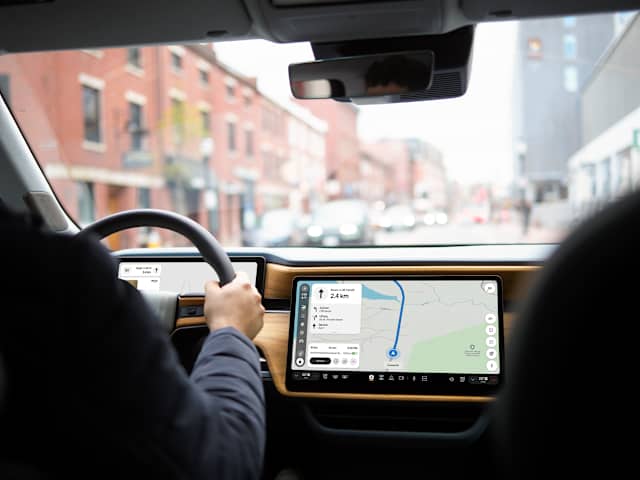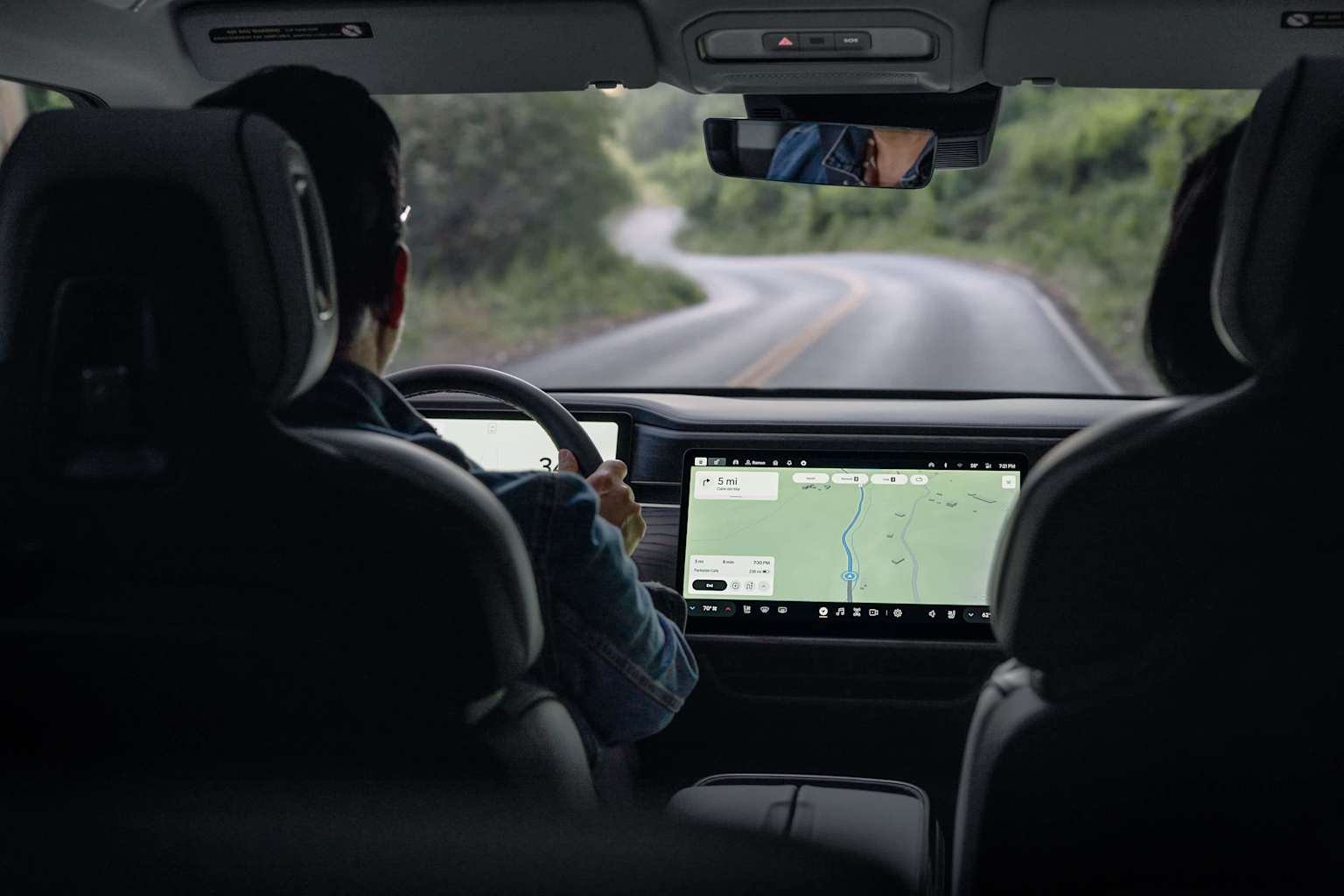
Rivian drivers will now have industry-leading routing, estimated time of arrivals, traffic updates, search capabilities, and satellite imagery from Google Maps—all seamlessly integrated into Rivian’s navigation system.
Whether you’re about to embark on a long road trip or just trying to find the quickest way to run errands around town, navigation should be seamless, accurate and helpful. That’s why Rivian and Google Maps came together to build a navigation experience that specifically supports Rivian’s electric vehicles.
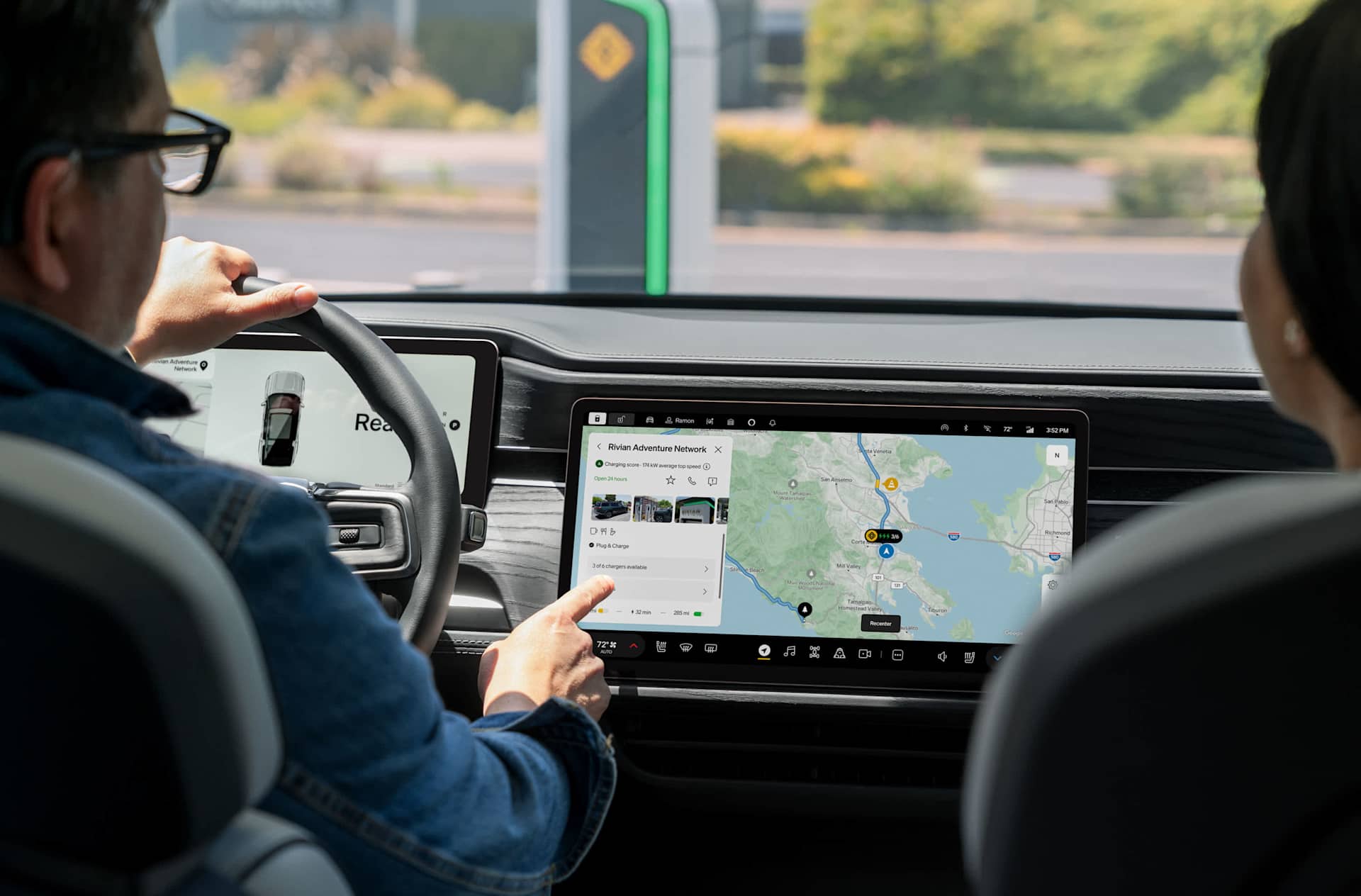
This partnership brings drivers the best of both worlds: industry-leading mapping technology and fresh information from Google Maps alongside Rivian’s design and core EV-friendly functionality. Customers can expect top-quality navigation with the Rivian user experience and critical features like range on arrival estimates, charging scores, and charging stop selection.

What’s new from Google Maps
Rivian drivers will benefit from fresh traffic and place information from Google Maps. This means access to reliable routes directly in their Rivian vehicle. Updated features include:
Fresh routes and traffic: No matter the destination, fresh traffic data will help you find the fastest route, keep your ETA accurate along the way, and even reroute you if a quicker option becomes available during your drive.
Real-time information about road disruptions: Whether it's a lane closure for construction or an accident, stay informed about the road ahead with real-time disruption reports from the Google Maps community.
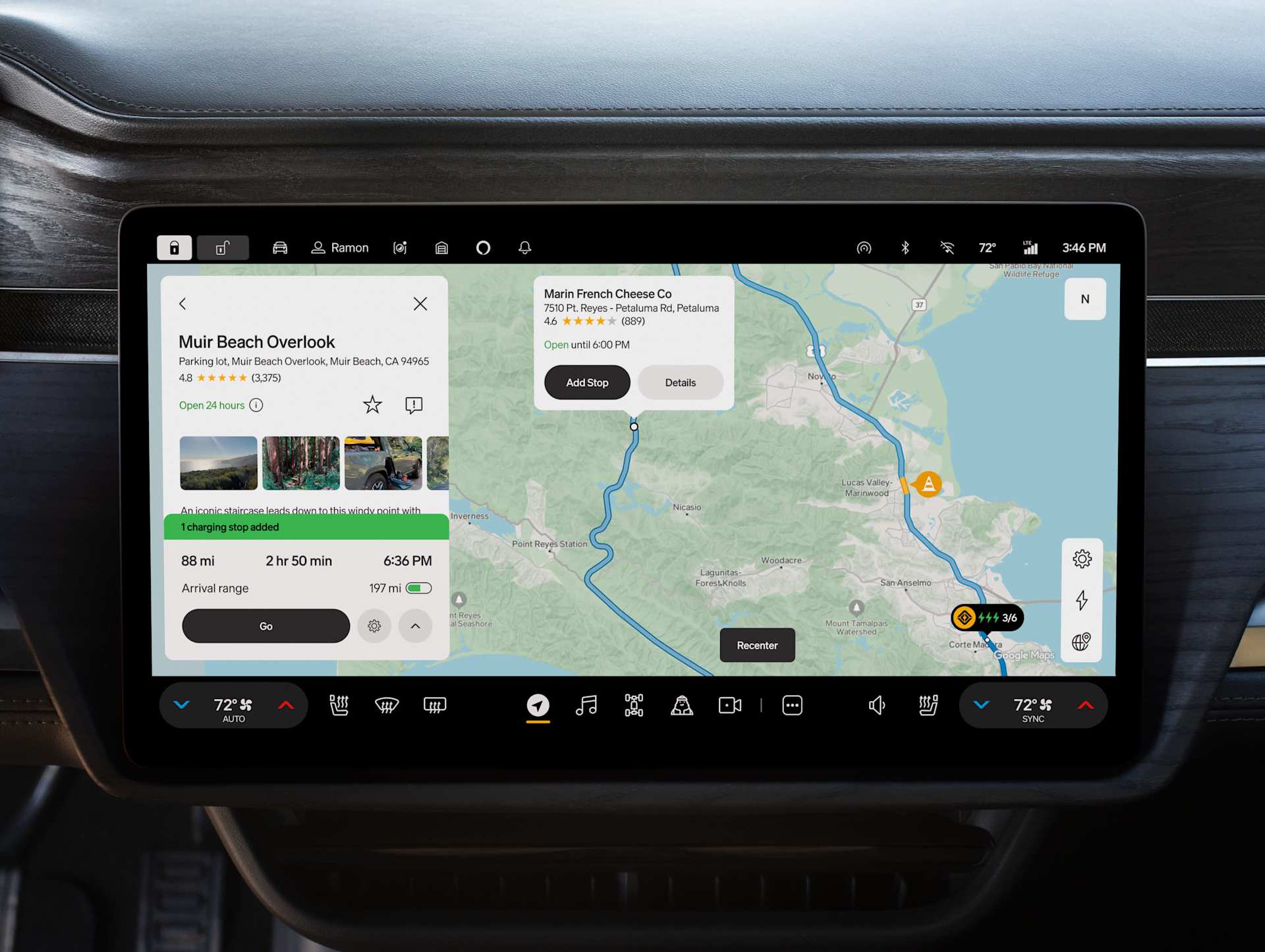
Tappable points of interest (POIs): Rivian has already been using Google Maps for search to bring you detailed information on places, like hours, photos, ratings, and place summaries. Now, you can tap on places of interest right on the map and learn more about hours, reviews, and contact information with just a tap. This builds on our existing place search experience that already uses Google Maps’ information about 250 million places around the world to deliver helpful information.
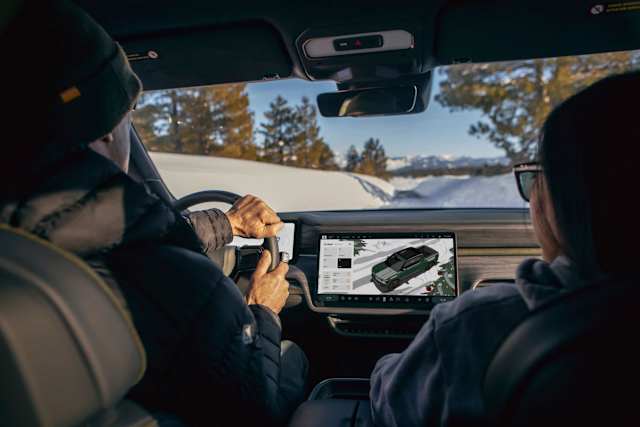
Satellite imagery: With satellite imagery from Google Maps, you can easily orient yourself in the city or scout the perfect location for your next adventure.
EV-friendly Rivian features to make travel easy
Not only is our new navigation enhanced by Google Maps, but it also ensures Rivian drivers maintain all the specialized functionality around electric vehicle range estimates and charging stop selection. Our updated navigation both in-vehicle and the Rivian Mobile app preserves specialized design and features within Rivian’s electric vehicle navigation, including:
Range on arrival: Rivian takes the guesswork out of EV travel, providing range estimates that are specific to your vehicle and learn as you drive, and factors in whether you’re using accessories, gear, or trailers. And we’ve added the ability for you to choose how you view your range: in percentage, distance, or both.
Charging stops and preferences: Rivian carefully curates charging stops added to your trips, making sure you get faster trips, better chargers, and special preferences to suit your needs on charging networks, range on arrival, and more.
Charging information: Rivian brings you real-time data for charging networks compatible with your vehicle, like the Rivian Adventure Network, Tesla Superchargers, and many others.
Charging score: Rivian’s unique score for individual charging sites based on plug-in data from Rivian vehicles gives you a real-time rundown on how reliable a charging site is and automatically includes the top scoring chargers on your trips.
Rivian’s design: We want to make charging easy and intuitive, so we design our features to highlight special EV aspects, like range, charge time, and adapter use.
A new design language: With this update, we have refreshed the map look with a new style that celebrates natural spaces in its topography and colors —from green parks to deep blue lakes and oceans. The design has also been updated for glanceability and easier access to information.
Convenient trip planning from the Rivian Mobile app
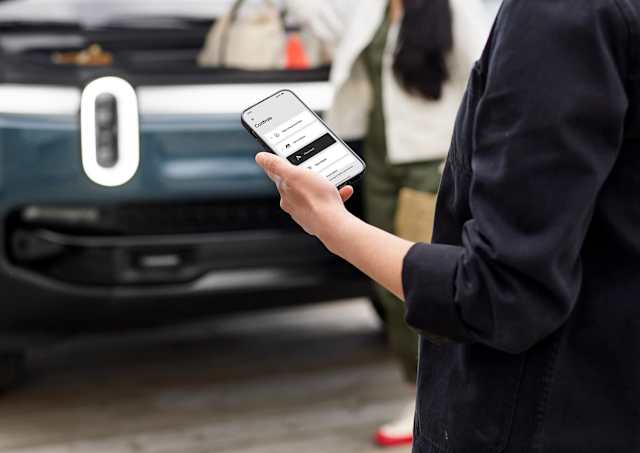
This release brings all of these updates into the Rivian mobile app, plus more new-to-mobile features to help with planning your next adventure. In the mobile app we’ve added place photos, place descriptions and satellite view (with a Connect+ subscription), as well as the ability to see traffic and traffic incidents.
You can continue to share destinations and trips from the Rivian mobile app to your vehicle to jump-start your drive, and outside the app you can share destinations using the “Share” function from Google Maps and other mapping apps, plus texts and links.

Providing the freshest routing and traffic is critical, so our owners have trust in where we are taking them. We’re excited for all the possibilities this partnership allows—and what it means for our drivers as they set off on their next adventure.
To view the full release notes for 2025.22, click on the links below.