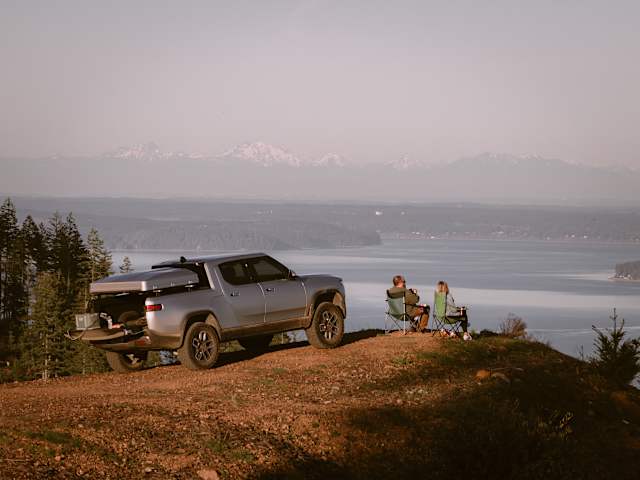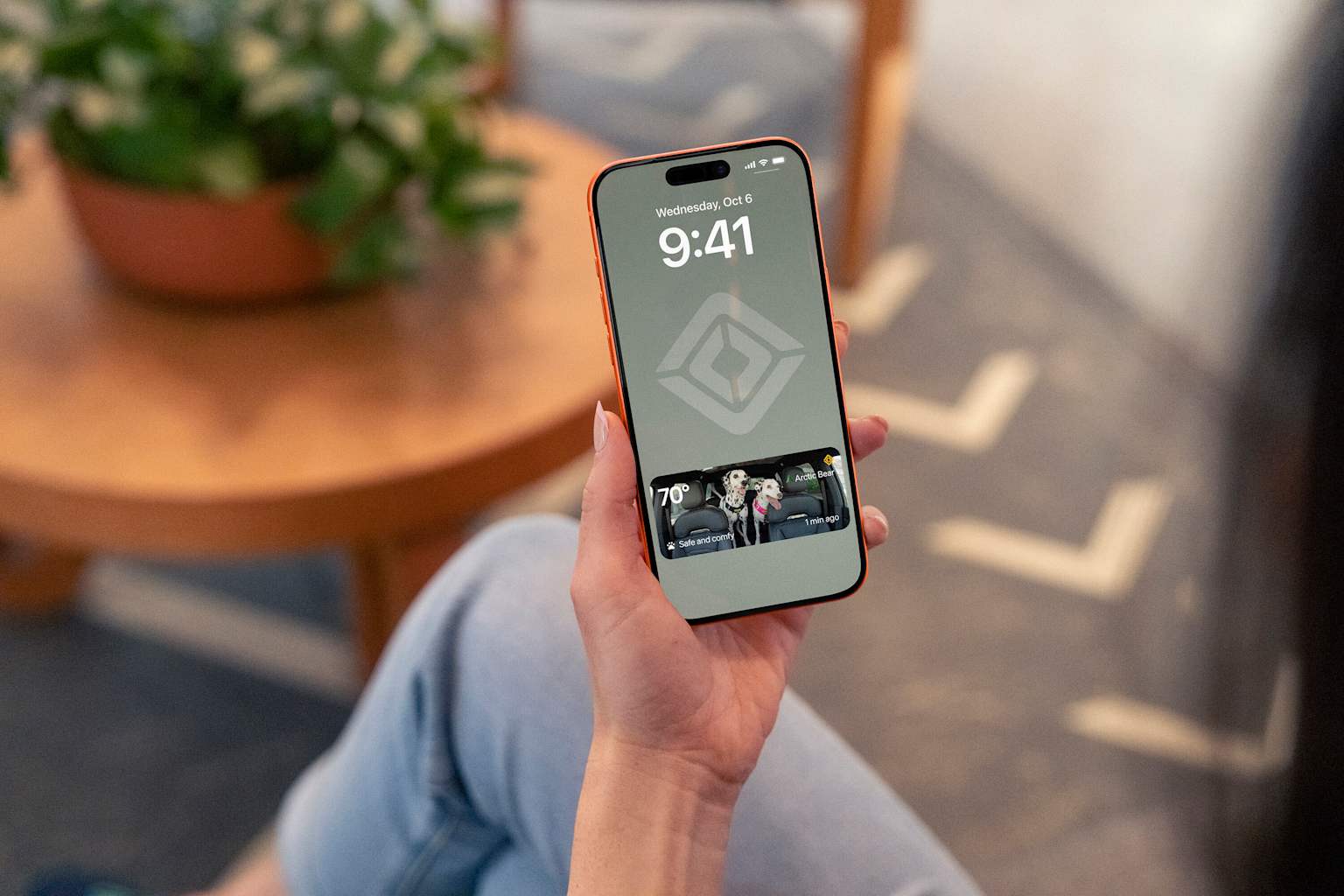
Whether you’re grabbing a latte, running into the grocery store, or picking up a package down the street, stepping away from your car shouldn’t mean worrying about your favorite furry co-pilot. And with over 60 percent of Rivian owners traveling with their pup in tow, making every day life smoother for dogs (and their humans) is always top of mind.
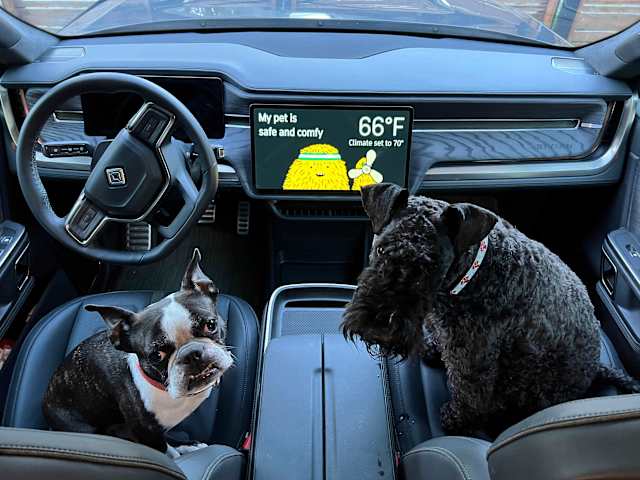
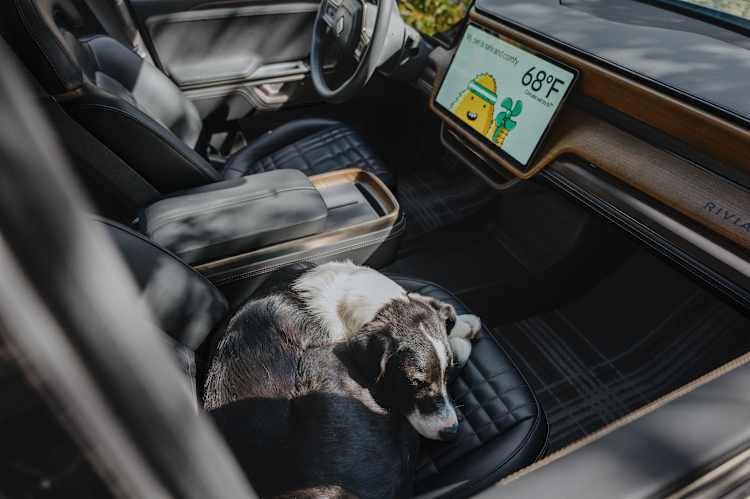
Pet Mode has long kept your pets cool and comfortable, but now, with the 2026.36 software update, we’re taking peace of mind a step further. Meet Pet Cam, a brand-new feature arriving exclusively on R2, so you can keep an eye on whatever you call a pet right from your lock screen—paired alongside fresh mobile app updates for Pet Mode across all Rivian models.
Tail-wagging Tech: Pet Cam in Action
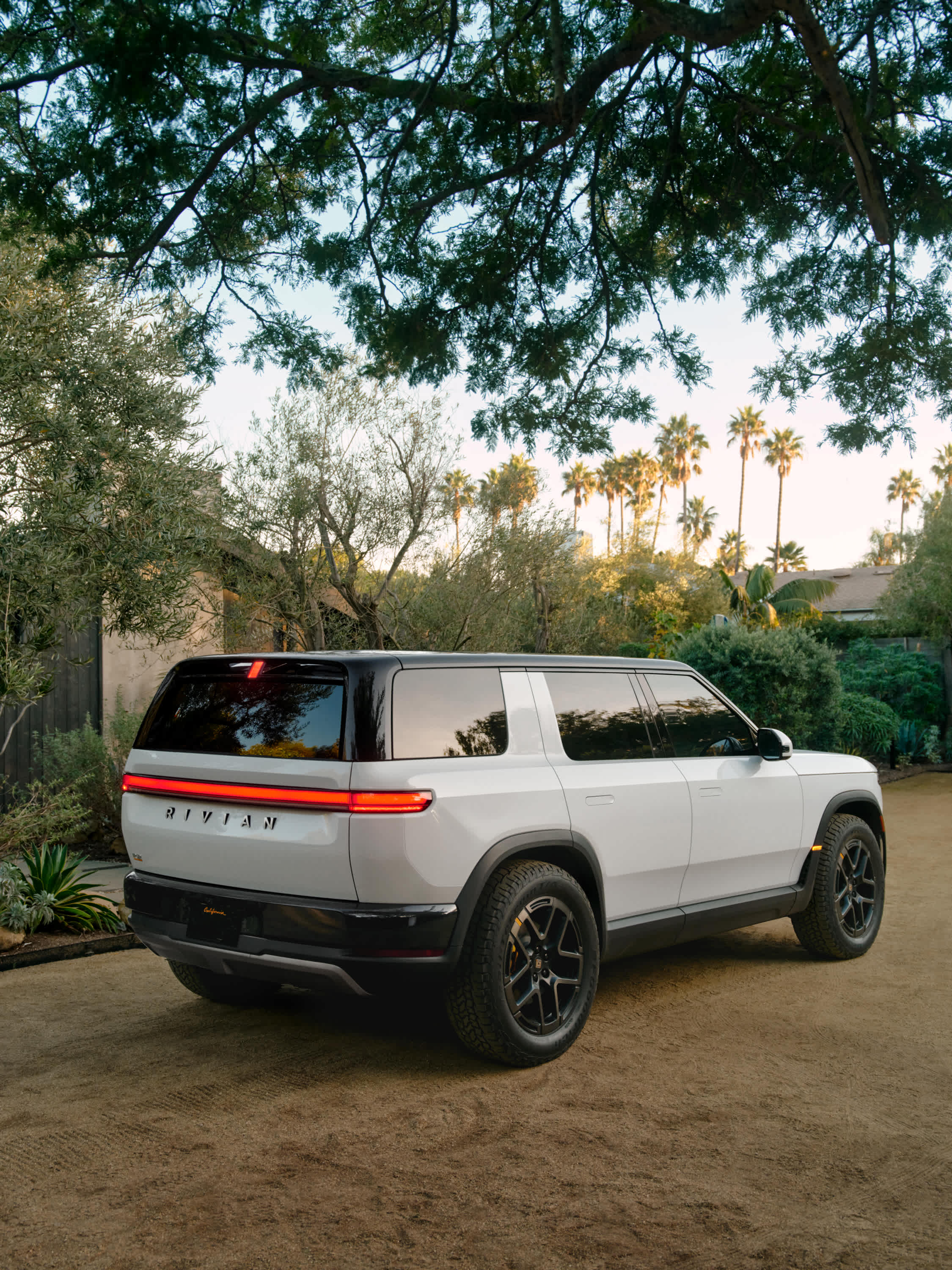
Powered by R2’s high-definition RGB interior cabin camera, Pet Cam gives you a clear, true-to-life color view of your pet in your vehicle from the Rivian app.
Here is how you can check in on your companion right from your phone:
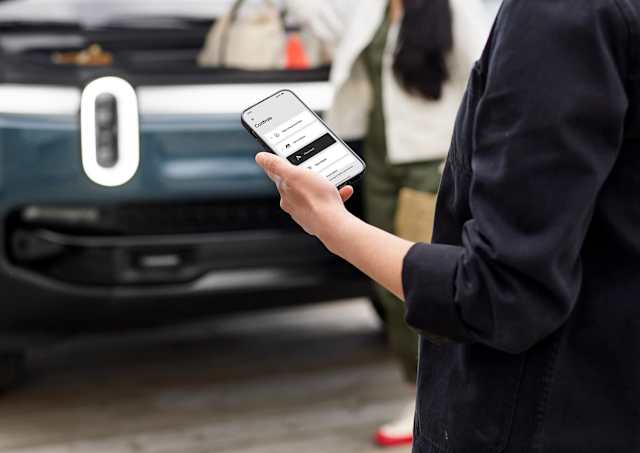
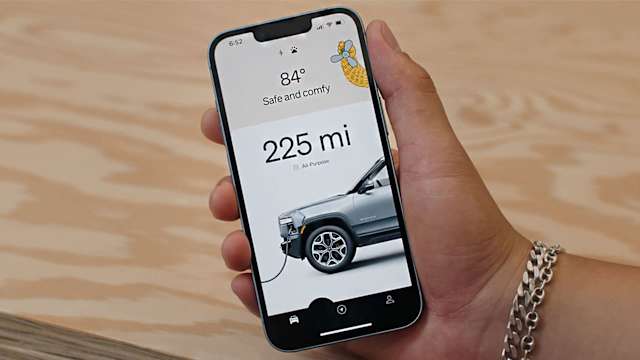
Live Stream & Cabin Climate Control Drop into a live feed right from the Gear Guard section of your Rivian mobile app to catch your pet mid snooze in full color, complete with a real-time cabin temperature badge so you know they're perfectly cozy.
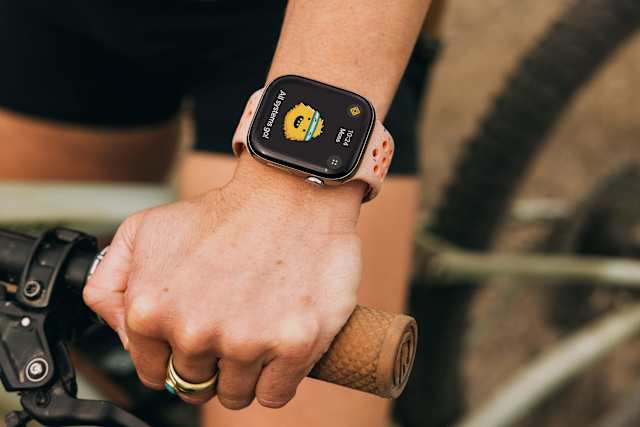
Glanceable App Dashboard Want quick reassurance without launching a full video stream? Your app dashboard and phone lock screen regularly updates with fresh snapshot images of the cabin so you can check in with a single tap. Get quick peace of mind without streaming full video.
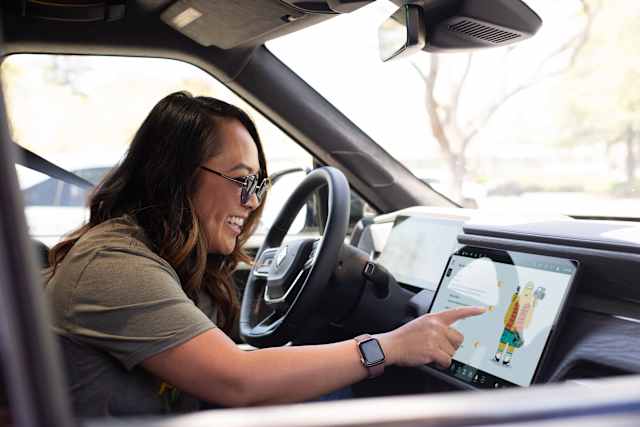
In-Vehicle Stream Control Anyone staying behind in the cabin can easily stop the live stream at any time with a single tap on the main center display.
Upgraded Pet Mode Controls for All Rivian Vehicles
Along with Pet Cam on R2, we are rolling out enhanced mobile Pet Mode controls to the entire Rivian family, including R1T and R1S (Gen 1 and Gen 2). Remote Activation Forgot to turn on Pet Mode before stepping out of the vehicle? You can now enable Pet Mode directly from the Rivian app, ensuring your pet stays safe even if you get distracted on the way out.
Remote Deactivation Easily toggle Pet Mode off by pressing the paw icon in the climate micro-app within the app dashboard when you return or no longer need it.
Quick Tap Confirmation To help avoid turning off climate controls by mistake or running the system longer than you intended, the app simply asks for a quick tap to confirm whenever you turn Pet Mode on or off.
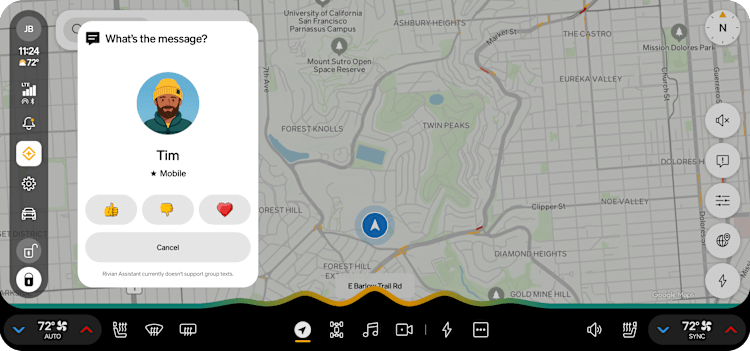
Also New: Rivian Assistant comes to R2
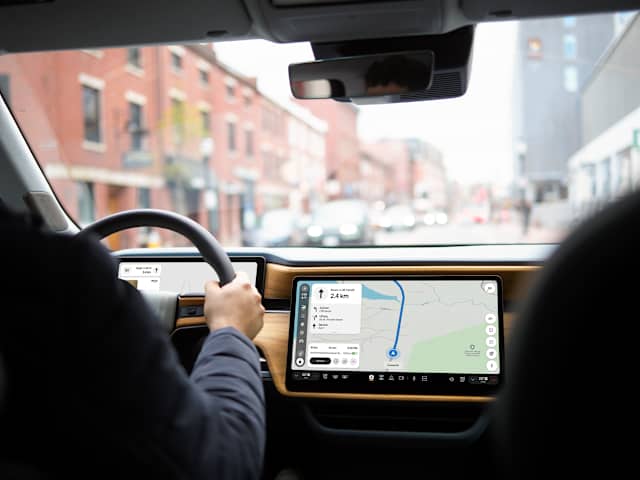
Just like the experience R1 owners have loved, our AI-powered voice assistant is now debuting on R2 with update 2026.36. Designed to make driving easier and more intuitive, Rivian Assistant handles complex tasks through simple voice commands. From adjusting climate, media, and navigation, to answering general knowledge questions, pulling destination weather, or identifying the song currently playing, Rivian Assistant is your go-to interactive vehicle expert.
To launch Rivian Assistant on R2, push the right Haptic Halo Wheel on the steering wheel, tap the display icon, or say "Hey, Rivian" or "Okay, Rivian."
Built for Everyday Moments
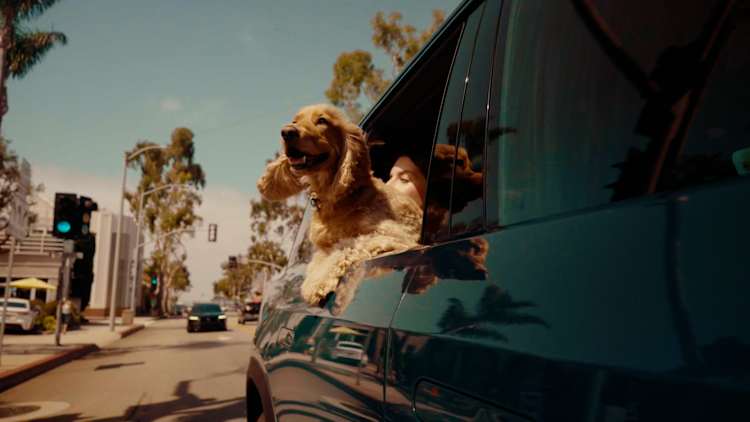
We build vehicles for the way you actually live. For most of us, that includes bringing our pets along for the ride. Look for Pet Cam, updated Pet Mode controls, and Rivian Assistant in the 2026.36 OTA update beginning its rollout to eligible R1 and R2 vehicles. For full release notes and update availability for your specific vehicle, check the Rivian App or your center display. For more information about this software update, refer to the release notesOpens in new tab.